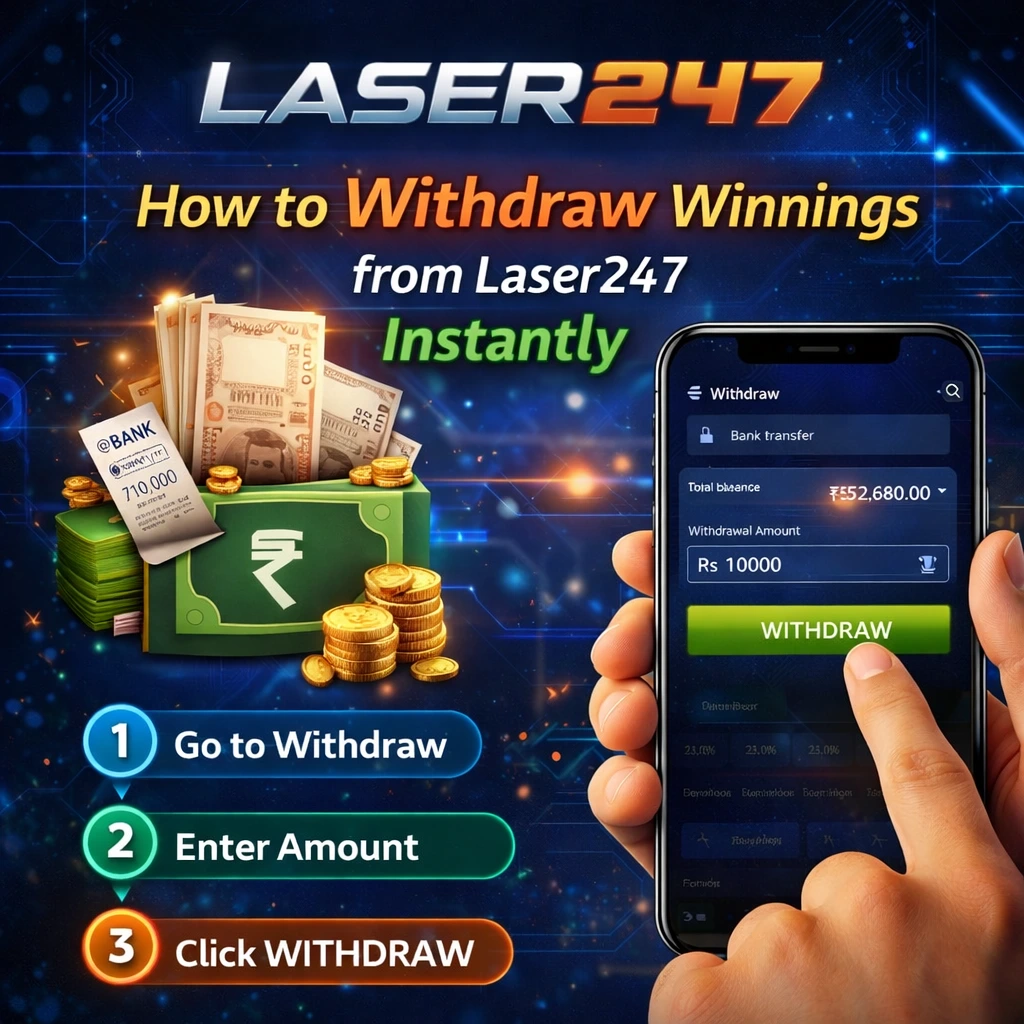
Withdrawals Are Simple on Laser247
You placed bets on Laser247s. You won. Now you want to take your money out. This page tells you exactly how. The website says: “The procedure of depositing money or withdrawing the winning amount is easy and hassle-free at Laser247 Club.”
But withdrawals are not always instant. Banks take time. KYC checks happen. This page walks you through the full withdrawal process – from login to money in your bank account. No AI tone. Just practical steps.
What You Need Before You Withdraw
Before you request a withdrawal, make sure you have these things ready:
- Your Laser247 login details – You need to log in to request a withdrawal.
- Money in your wallet – You cannot withdraw if your balance is zero.
- Completed KYC – The website says profiles need to be verified with a PAN card and a photo.
- Bank account details – Account number, bank name, IFSC code.
- Minimum withdrawal amount – Not clearly stated on the website. Ask customer support or check the withdrawal page after login.
If you have not completed KYC, do that first. Withdrawals will not be processed without verification.
Step by Step Withdrawal Process on Laser247
Here is how to withdraw your winnings from Laser247:
Step 1 – Log In to Your Laser247 Account
Go to laser247s.com. Click “Login” . Enter your email and password. Reach your account dashboard.
Step 2 – Go to the Withdrawal Section
On your dashboard, look for the “Withdrawal” button or tab. The website says: “Click on the withdrawal button.”
Step 3 – Choose Your Account Details
The website says: “Choose the account details.” This means you need to tell Laser247 where to send your money.
If this is your first withdrawal, you may need to add your bank account details:
- Account number
- Bank name
- IFSC code
Step 4 – Enter the Amount to Withdraw
Type the amount you want to take out. Make sure it is above the minimum withdrawal limit (ask support if you do not know this number).
The website says: “Fill in the account number, bank name, IFSC Code, and the amount to withdraw.”
Step 5 – Submit the Withdrawal Request
Click the “Withdraw” or “Submit” button. The system processes your request.
Step 6 – Wait for Processing
The website does not give a specific withdrawal time. But similar platforms take:
- 30 minutes to 24 hours for UPI and e-wallets
- 1 to 5 business days for bank transfers
Step 7 – Money Reaches Your Bank Account
Once Laser247 approves the withdrawal, the money is sent to your bank account. Check your bank statement or UPI app to confirm.
The website says: “Click on the button to receive money in your bank account.”
Payment Methods for Withdrawals on Laser247
The website does not list specific payment methods for withdrawals. But based on the deposit options and common industry practices, these methods are likely available:
Likely withdrawal methods:
- UPI – Google Pay, PhonePe, Paytm (fastest, 30 min to 6 hours)
- Bank Transfer – IMPS, NEFT, RTGS (1 to 3 business days)
- E-wallets – If you deposited using one
How to check: After login, go to the Withdrawal section. The available payment methods will be shown there. If you do not see your preferred method, ask customer support.
KYC Verification – Why You Need It for Withdrawals
KYC means “Know Your Customer.” It is a verification process that confirms your identity. Laser247 requires KYC before you can withdraw money.
The website says: “To participate, users must be at least 18 years old, and their profiles need to be verified with a PAN card, along with a photo of themselves.”
What you need for KYC:
- PAN card – Clear photo or scan
- A photo of yourself – Selfie or passport-size photo
- Address proof (may be required) – Aadhaar card, passport, or utility bill
How to complete KYC:
- Log in to your Laser247 account.
- Go to account settings or profile verification section.
- Upload your PAN card photo and your selfie.
- Submit for verification.
- Wait for approval. This can take a few hours to 2 days.
Do KYC before you request a withdrawal. If you request a withdrawal without completing KYC, the request will be rejected or delayed.
How Long Do Laser247 Withdrawals Take?
The website does not state exact withdrawal times. But here is what you can expect based on similar platforms:
| Payment Method | Expected Time |
| UPI (Google Pay, PhonePe, Paytm) | 30 minutes to 6 hours |
| IMPS (Instant Bank Transfer) | 1 to 6 hours |
| NEFT (Bank Transfer) | 1 to 2 business days |
| RTGS (High Value) | Same business day (for large amounts) |
Factors that slow down withdrawals:
- First-time withdrawal – Takes longer because of KYC checks
- Bank holidays – Weekends and public holidays delay bank transfers
- Large amounts – May need extra verification
- Technical issues – Rare, but can happen
If your withdrawal takes longer than expected: Contact customer support via WhatsApp or live chat. Have your withdrawal request ID and transaction details ready.
Common Laser247 Withdrawal Problems and Fixes
Problem 1 – Withdrawal Request Rejected
Possible reasons:
- KYC not completed – Upload your PAN card and photo.
- Insufficient balance – You requested more than you have in your wallet.
- Minimum withdrawal not met – Your amount is below the minimum limit.
- Account under review – Wait or contact support.
Fix: Check the rejection reason on the withdrawal page. Complete KYC if missing. Adjust your amount. Contact support if the reason is not clear.
Problem 2 – Withdrawal Pending for Days
Possible reasons:
- Bank processing delay – NEFT and RTGS take time.
- Weekend or holiday – Banks do not process on Sundays or public holidays.
- Technical issue – Rare.
Fix: Wait 2-3 business days. If still pending, contact customer support with your withdrawal request ID.
Problem 3 – Wrong Bank Account Details
What happens: You typed the wrong account number or IFSC code. The money may go to the wrong account or get returned.
Fix: Always double-check your bank details before submitting a withdrawal. If you already submitted with wrong details, contact support immediately. They may be able to stop the transaction.
Problem 4 – Withdrawal Option Not Showing
Possible reasons:
- You are looking in the wrong section.
- Your account is not fully verified.
- Technical glitch.
Fix: Go to the “Withdrawal” or “Cashier” section. Complete KYC if pending. Refresh the page or try a different browser. Contact support if still not showing.
Problem 5 – “Withdrawal Limit Exceeded” Error
Possible reasons:
- The platform has a daily, weekly, or monthly withdrawal limit.
- You have already reached that limit.
Fix: Check the withdrawal limits on the website or ask support. Wait for the next day or week to request again.
Tips for Faster Withdrawals on Laser247
Tip 1 – Complete KYC Immediately After Registration
Do not wait until you win. KYC takes time. Complete it right after you register. Then withdrawals are faster when you win.
Tip 2 – Use UPI for Fastest Withdrawals
If Laser247 offers UPI withdrawals, use them. UPI is much faster than bank transfers. Money often arrives in 30 minutes to 6 hours.
Tip 3 – Withdraw During Bank Working Hours
Request withdrawals between 10 AM and 3 PM on weekdays. Banks process transactions faster during these hours. Avoid late nights, weekends, and public holidays.
Tip 4 – Keep Your Bank Details Correct
Save your bank account number and IFSC code somewhere safe. Type them carefully when you add them to Laser247. One wrong digit sends money to the wrong place.
Tip 5 – Withdraw Smaller Amounts First
If you have a large winning, request a small withdrawal first (₹1000-₹2000). See how fast it arrives. Then request the rest. This tests the system before you move larger money.
Tip 6 – Contact Support If Delay Exceeds 48 Hours
Do not wait for weeks. If your withdrawal is pending for more than 48 hours (2 business days), message customer support on WhatsApp or live chat. Give them your withdrawal request ID and ask for an update.
Laser247 Withdrawal Rules – What the Website Says
The Laser247 website does not have a dedicated withdrawal policy page. But these rules are mentioned in various sections:
Eligibility for Withdrawals:
- You must be at least 18 years old.
- Your profile must be verified with a PAN card and photo.
- Your account must not be locked or banned.
Prohibited Activities:
The website says: “Prohibited acts include dishonesty, fraud and any unauthorized use of the Laser247 website.” If you are caught cheating or using fake information, withdrawals may be blocked.
Privacy of Payment Information:
The website says: “For transactions on the Laser247 platform, we may collect payment information, such as credit card information, to facilitate a secure checkout process.” Your payment information is kept secure.
Deposit vs Withdrawal – The Difference
| Feature | Deposit | Withdrawal |
| Purpose | Add money to bet | Take out winnings |
| When to do | Before placing bets | After winning |
| KYC required | No (usually) | Yes (PAN card + photo) |
| Processing time | Instant (seconds) | 30 min to 3 days |
| Minimum amount | Low (₹500-1000 typically) | Higher than deposit minimum |
| Fees | Usually none | Usually none (check with support) |
The website says the deposit process is easy: “Log in with your betting ID and password, click on the deposit button, choose the preferred payment option, enter the amount, and click on the deposit button.”
The withdrawal process is similar but requires bank details and KYC.
What to Do If Your Withdrawal Never Arrives
If you requested a withdrawal and the money never came to your bank account, follow these steps:
Step 1 – Check the Withdrawal Status
Log in to Laser247. Go to the “Withdrawal History” or “Transaction History” section. Look for your request. What does the status say?
- “Processing” – Wait longer.
- “Completed” – Money has been sent. Check your bank account again.
- “Rejected” – Read the reason. Fix the issue and request again.
Step 2 – Check Your Bank Account Properly
Sometimes money arrives but you do not see it. Check:
- Your bank statement (not just SMS alerts)
- Your UPI app (if you withdrew to UPI)
- Your transaction history for the last 7 days
Step 3 – Wait for Bank Processing
If the status is “Completed” , the money has left Laser247. Now it depends on your bank. NEFT can take 1-2 business days. Wait at least 48 hours.
Step 4 – Contact Laser247 Support
If 3 business days have passed and the money is not in your account, contact customer support. Provide:
- Your withdrawal request ID
- The amount you requested
- The date and time of the request
- Your bank account details
The website says support is available 24/7 via WhatsApp, live chat, and email.
Step 5 – Contact Your Bank (If Support Says Money Was Sent)
If Laser247 support says the money was sent but you still do not see it, contact your bank. Ask them to check for any incoming transaction from Laser247. Give them the transaction reference number from Laser247.
Laser247 Withdrawal Fees – Are There Any?
The website does not mention any withdrawal fees. Most betting platforms do not charge fees for withdrawals. But your bank may charge a small fee for NEFT or IMPS transactions.
To be sure: Ask customer support before you request a withdrawal. They will tell you if any fees apply.
Responsible Gaming – Withdraw Your Winnings Regularly
The website does not have a detailed responsible gaming section. But here is good advice:
- Withdraw your winnings regularly. Do not keep all your money in your Laser247 wallet.
- Set a budget for betting. Do not deposit more than you can afford to lose.
- Take breaks. Do not bet every day.
- Never chase losses. If you lose, do not deposit more to win it back. Take a break instead.
The website says: “We have diverse tools and access to betting apps for responsible gaming and betting. You can check the details at our official website.”
Conclusion – Withdrawing from Laser247 is Easy When You Follow the Steps
Withdrawing winnings from Laser247 is simple. Log in to your account. Go to the “Withdrawal” section. Enter your bank account details and the amount. Submit the request.
But you need to complete KYC first – upload your PAN card and a photo of yourself. Without KYC, withdrawals will not be processed.
Withdrawal times vary. UPI is fastest (30 minutes to 6 hours). Bank transfers take 1-3 business days. If you face any problem, contact customer support on WhatsApp or live chat.
Keep your bank details correct. Withdraw smaller amounts first to test the system. And always bet responsibly.
FAQ – Laser247 Withdrawal Questions and Answers
Q1: How do I withdraw money from Laser247?
Log in to your account. Go to the “Withdrawal” section. Enter your bank account details and the amount. Click “Withdraw” . Complete KYC if you have not already.
Q2: What is the minimum withdrawal amount on Laser247?
The website does not state a fixed number. Ask customer support or check the withdrawal page after login.
Q3: How long do Laser247 withdrawals take?
UPI withdrawals – 30 minutes to 6 hours. Bank transfers – 1 to 3 business days. First-time withdrawals may take longer due to KYC checks.
Q4: What KYC documents does Laser247 need for withdrawal?
PAN card (clear photo or scan) and a photo of yourself (selfie or passport-size). Address proof may also be required.
Q5: Why was my withdrawal request rejected?
Common reasons: KYC not completed, insufficient balance, amount below minimum, or account under review. Check the rejection reason on the withdrawal page.
Q6: Can I withdraw to UPI on Laser247?
The website does not list specific payment methods. After login, go to the Withdrawal section to see what options are available.
Q7: Does Laser247 charge fees for withdrawals?
The website does not mention any withdrawal fees. Ask customer support to confirm.
Q8: What should I do if my withdrawal is pending for days?
Contact customer support via WhatsApp or live chat. Provide your withdrawal request ID and the amount.
Q9: Can I withdraw without completing KYC?
No. KYC is required before any withdrawal. Upload your PAN card and photo first.
Q10: How do I add my bank account details for withdrawal?
Go to the “Withdrawal” section after login. Enter your account number, bank name, and IFSC code when prompted.
Q11: Is there a daily withdrawal limit on Laser247?
The website does not state a limit. Ask customer support or check the withdrawal page after login.
Q12: What happens if I enter wrong bank details for withdrawal?
The money may go to the wrong account or be returned. Always double-check your details. If you already submitted wrong details, contact support immediately.
Q13: Can I cancel a withdrawal request on Laser247?
Some platforms allow cancellation if the request is still “Processing” . Check your withdrawal history page. If there is a “Cancel” button, you can cancel.
Q14: How do I contact Laser247 support for withdrawal problems?
Use WhatsApp, live chat on the website, or email. Support works 24/7.
Q15: Is it safe to withdraw money from Laser247?
The website says it uses encryption technology and security measures. Complete KYC, use the official website, and keep your login details safe.